
Category: Tutorials
-
How to Create a Realistic Paper Texture in Photoshop
Learn how to create a realistic paper texture in Photoshop using noise, blur, fibers, subtle color, and lighting effects. Great for album covers, backgrounds, invitations,…
-

How To Add Gradient To Text In Photoshop
A step by step guide to adding a gradient to text in Adobe Photoshop.
-
How to Create a Linen Texture for Album Covers in Photoshop
Here are the steps to create a linen texture in Adobe Photoshop. Also included is the PSD file download.
-
How to Create a Realistic Metal Texture in Photoshop
Learn how to build a realistic metal texture for album covers in Photoshop. Step-by-step guide to adding metallic sheen, grit, and depth.
-

How to Create a Leather Texture for Album Covers in Photoshop
A step-by-step guide to creating your own leather texture in Photoshop. Sample PSD file included at the end of the guide.
-
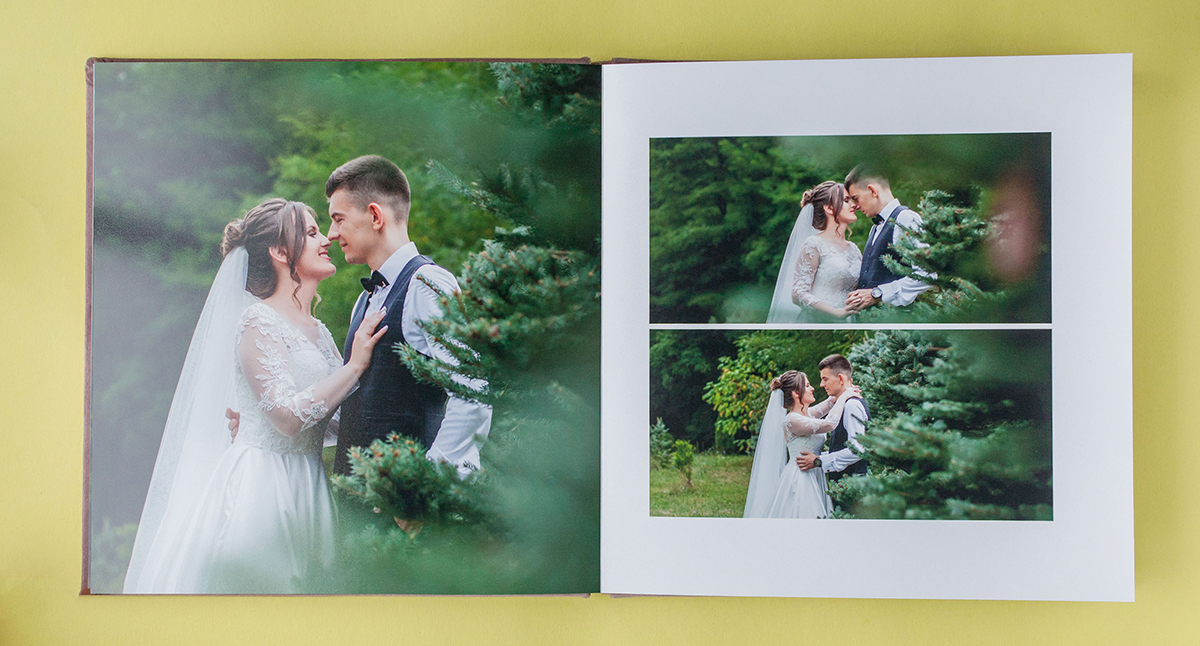
How to Use InDesign to Combine Lightroom Book Pages into Spreads for Banti Album Proofing
Adobe Lightroom exports photo album pages as single images rather than full spreads, but you can easily combine these pages into spreads using Adobe InDesign.…
-
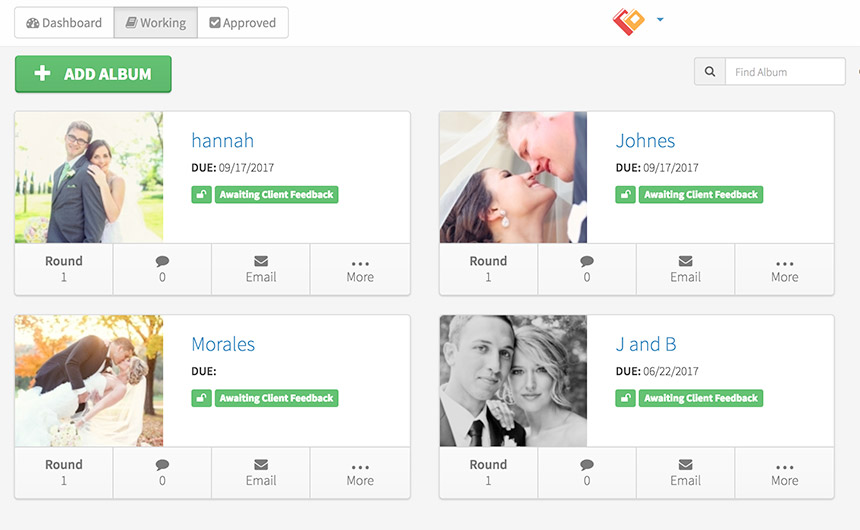
Uploading an Album to Banti
Uploading an album to Banti is really easy. Just follow these simple steps and you’re all set.
-
Integrate Banti Album Proofing Within Your Website
Banti Album Proofing can easily be integrated within your website so your clint’s can proof their album on your website instead of Banti’s.
-
InDesign Guides, Frames, and Image Placing for Wedding Album Design
So far in our InDesign for Wedding Photographers article series, we covered InDesign Preferences, showed you how to set up a document, and gave you…
-
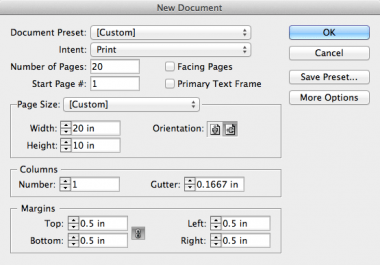
Setting up an InDesign Document for Wedding Album Design
This is the second article in a series of short step-by-step guides to introduce you to the best tool for album design—Adobe InDesign. In the…